# Fit
HTML: [altophp.com/image/transform/fit](https://altophp.com/image/transform/fit/)
`fit()` scales an image inside a box without cropping or padding.
## Example
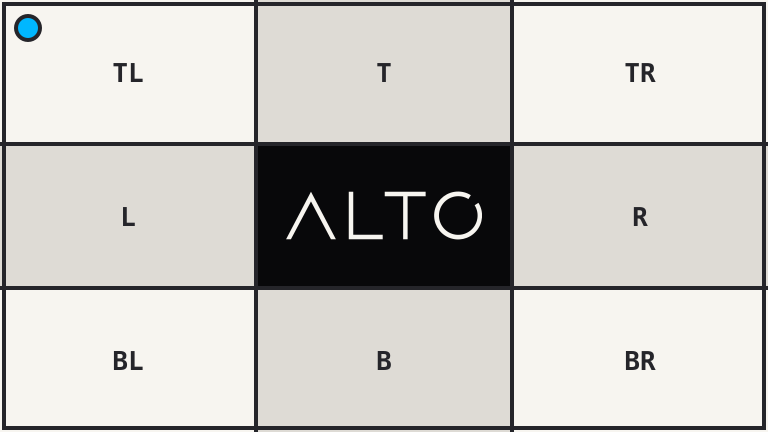
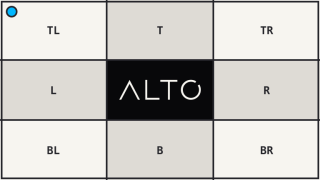
| Source: 768 x 432 | Result: 320 x 180 |
| --- | --- |
|  |  |
```php
use Alto\Image\Image;
Image::open('source-landscape.png')
->fit(320, 240)
->save('fit.png');
```
## Options
| Option | Default | Use |
| --- | --- | --- |
| `width`, `height` | `null` | Maximum box |
| `scaling` | `Scaling::Down` | Allowed scale direction |
## Edge cases
- A different source ratio produces a smaller dimension on one axis.
- A smaller source is unchanged by default.
- One axis can be omitted.
## Driver support
GD and Imagick support `fit()` exactly.
---
Previous: [Contain](https://altophp.com/image/transform/contain.md)
Next: [Resize](https://altophp.com/image/transform/resize.md)
---
ALTO\IMAGE: [altophp.com/image](https://altophp.com/image/)
ALTO(PHP): [altophp.com](https://altophp.com/)