Transform images
Image operations change pixels or geometry. Metadata policies are documented separately under Safety.
Choose a resizing operation
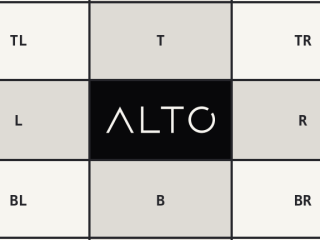
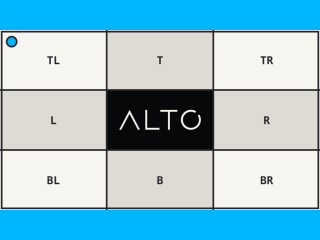
The same 768 by 432 source produces these outputs for a 320 by 240 box:
| Operation | Result | Use when |
|---|---|---|
| Cover | 320 x 240, cropped | The frame must be filled |
| Contain | 320 x 240, padded | The entire source and fixed frame matter |
| Fit | 320 x 180 | Keep the whole source with no padding |
| Resize outside | 427 x 240 | Preserve ratio while covering the minimum dimensions |
| Cover | Contain | Fit |
|---|---|---|
 |
 |
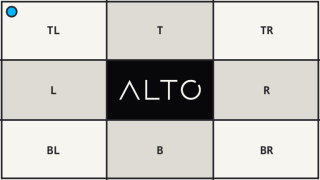 |
Geometry and encoding are separate: selecting WebP or JPEG does not select a resize policy. The linked guides show the shared source, exact options, and actual outputs. Smaller inputs are not enlarged by default.
Resize
Geometry
Composition
Effects
Colour
Every method returns a new Image or ImageSet. The source is unchanged.
Drivers can report an approximate result through Result::$degradations.
Inspect a request
An Image is one immutable source and one requested output. Before rendering,
use sourceSize() and sourceMetadata() for the original or size() and
metadata() for the projected result. transform() returns the ordered
operations; signature() returns the stable derivative identity.
Terminal methods perform the work: render() returns a Result, save()
writes one caller-selected path, and store() uses a derivative store.
bytes() and dataUri() are in-memory conveniences. Pixel decoding remains
deferred until a terminal method or analyzer needs it.
Custom operations
An executable operation implements OperationInterface. A portable operation
also implements PortableOperationInterface so it can project geometry, parse
arguments, and serialize to a stable transform string. Geometry operations may
implement Solvable and return a resolved Placement.
Apply a custom operation with apply(). Use escape() only for trusted,
driver-specific code, and provide a stable identity whenever its output affects
cache keys. Parse untrusted transform strings with an explicit allowlist:
<?php

use Alto\Image\Transform;

$transform = Transform::parse($value, only: ['cover', 'crop', 'sharpen']);
Exclude overlay unless referenced paths are constrained independently.