Convert a colour profile
convertColourProfile() transforms pixel values into another colour space.
Example
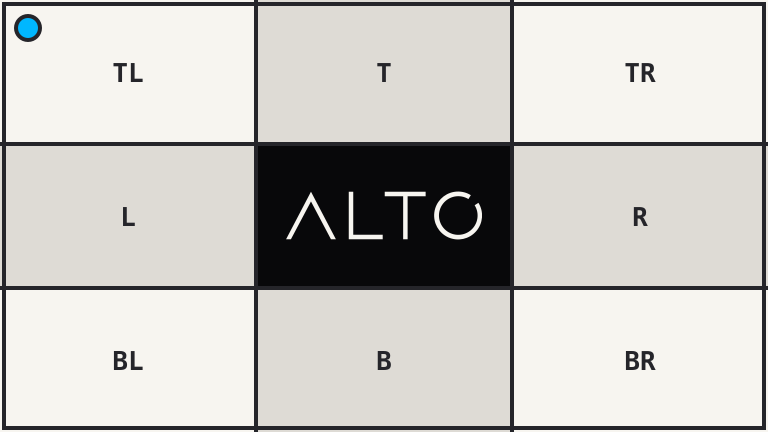
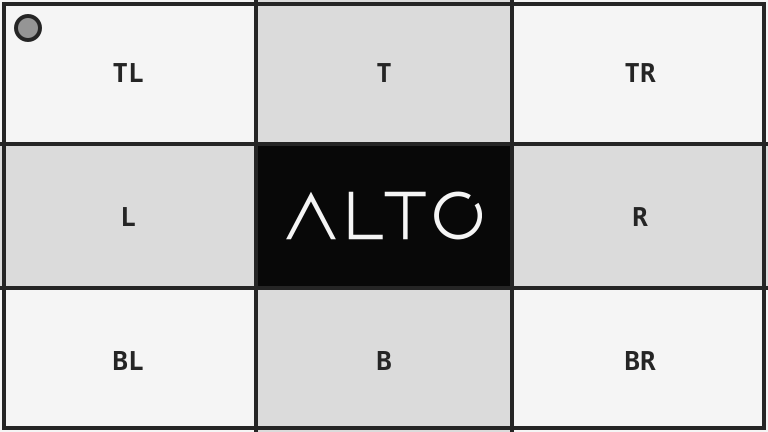
| Source: sRGB | Result: gray |
|---|---|
 |
 |
<?php

use Alto\Image\Image;

Image::open('source-landscape.png')
    ->convertColourProfile('gray')
    ->save('convert-colour-profile.png');
Options
| Option | Default | Use |
|---|---|---|
profile |
srgb |
srgb, gray, cmyk, or an ICC file path |
Edge cases
- A file path must contain a readable ICC profile.
- Conversion changes pixels. Metadata policy separately controls embedded profiles.
- Converting an image already in the target space can leave it visually unchanged.
- Use
grayscale()when only a monochrome visual result is needed.
Driver support
Imagick requires LCMS. GD does not support colour-profile conversion.