Rotate
rotate() turns an image and expands the canvas to keep every corner.
Example
| Source: 768 x 432 | Result: 882 x 759 |
|---|---|
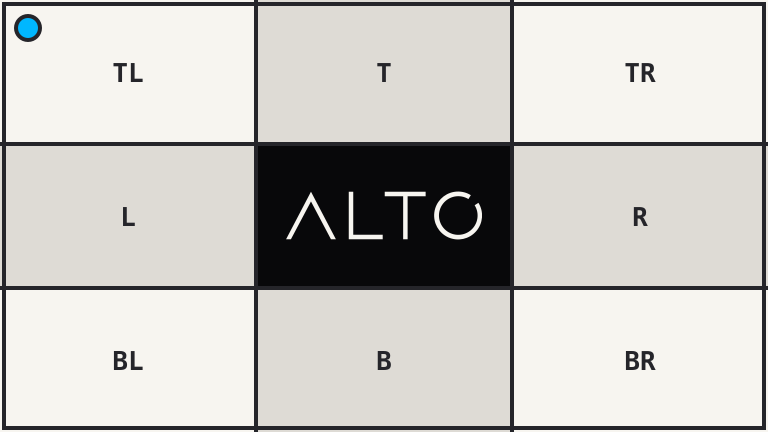 |
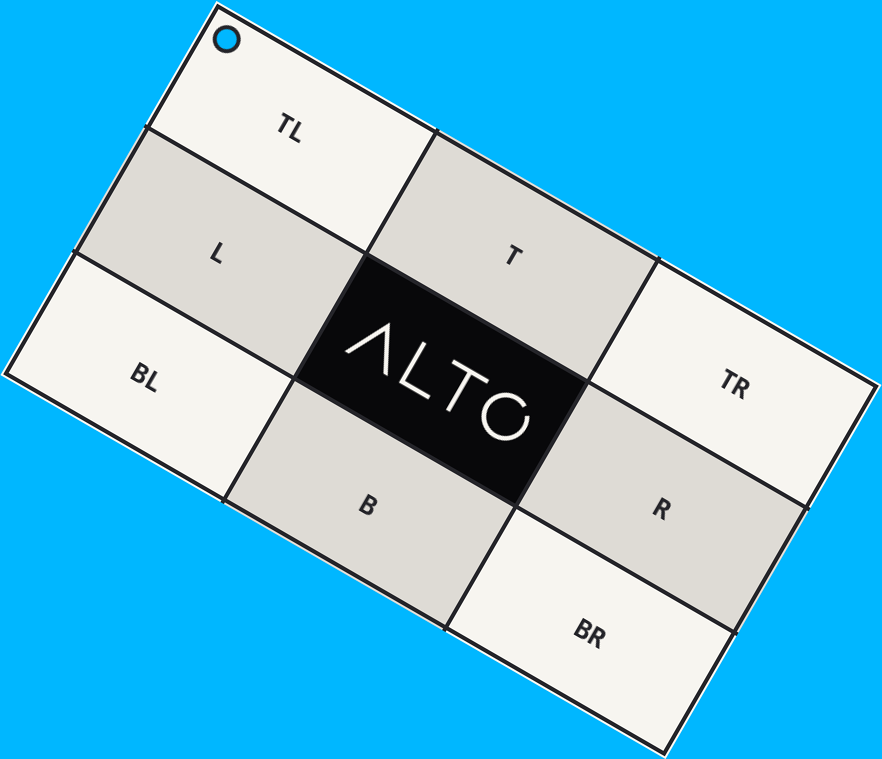 |
<?php

use Alto\Image\Image;

Image::open('source-landscape.png')
    ->rotate(30, background: '#00b7ff')
    ->save('rotate.png');
Options
| Option | Default | Use |
|---|---|---|
degrees |
required | Clockwise angle |
background |
transparent | Exposed canvas colour |
Edge cases
- Angles are normalized between 0 and 360 degrees.
- Quarter turns swap width and height when needed.
- Other angles enlarge both axes.
- The angle must be finite.
Driver support
GD is exact. Imagick is exact for quarter turns and approximate for other angles.