Scale
scale() sets one axis and preserves the source ratio.
Example
| Source: 768 x 432 | Result: 320 x 180 |
|---|---|
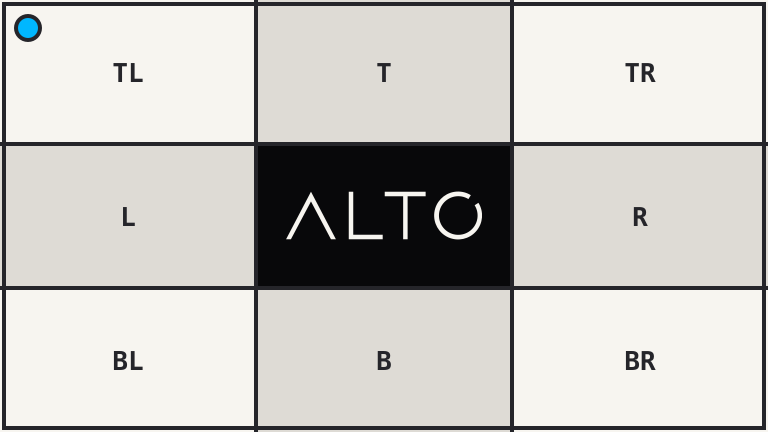 |
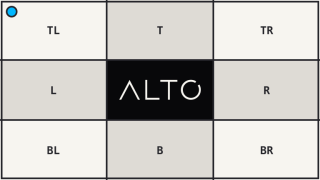 |
<?php

use Alto\Image\Image;

Image::open('source-landscape.png')
    ->scale(width: 320)
    ->save('scale.png');
Options
| Option | Default | Use |
|---|---|---|
width |
null |
Target width |
height |
null |
Target height |
scaling |
Scaling::Down |
Allowed scale direction |
Edge cases
- Pass either
widthorheight, not both. - A smaller source is unchanged by default.
- The calculated axis is rounded to the nearest pixel.
- Use
fit()orstretch()when both axes matter.
Driver support
GD and Imagick support scale() exactly.