Extend
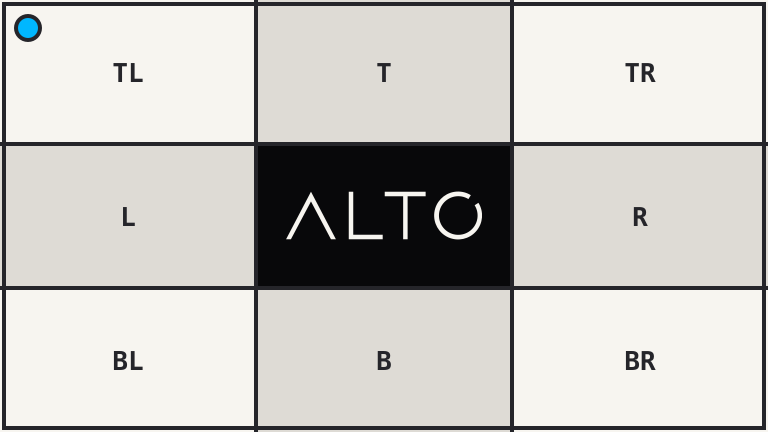
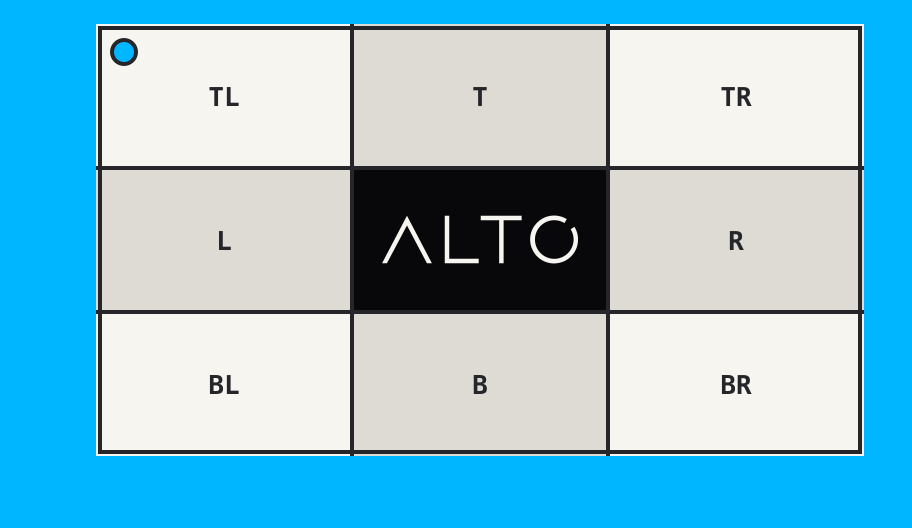
extend() adds pixels around an image without scaling it.
Example
| Source: 768 x 432 | Result: 912 x 528 |
|---|---|
 |
 |
<?php

use Alto\Image\Image;

Image::open('source-landscape.png')
    ->extend(24, 48, 72, 96, '#00b7ff')
    ->save('extend.png');
Options
| Option | Default | Use |
|---|---|---|
top |
0 |
Top padding |
right |
null |
Right padding |
bottom |
null |
Bottom padding |
left |
null |
Left padding |
background |
transparent | Padding colour |
Edge cases
extend(24)adds 24 pixels on every side.- Once another side is passed, omitted sides are zero.
- Padding cannot be negative. Use
crop()to remove pixels. - Transparent padding requires an alpha-capable output.
Driver support
GD and Imagick support extend() exactly.