Crop
crop() extracts a rectangle without scaling the source.
Example
| Source: 768 x 432 | Center: 320 x 320 | Top left: 320 x 320 |
|---|---|---|
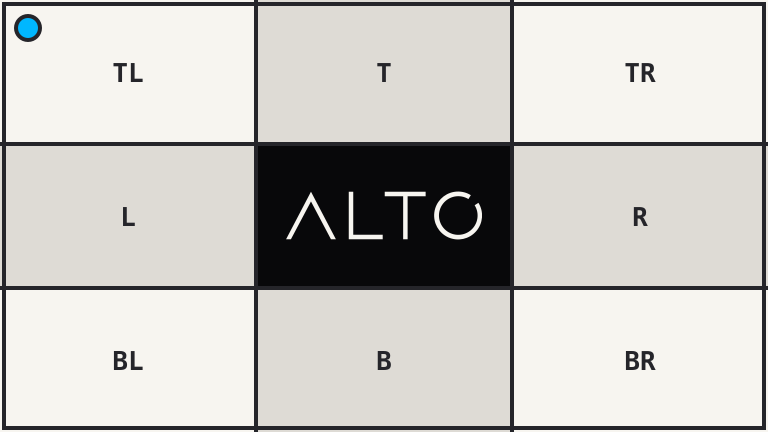 |
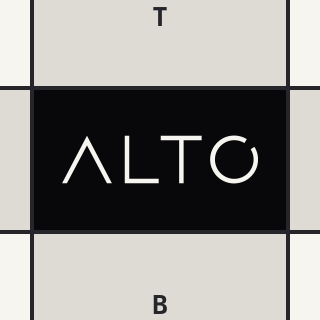 |
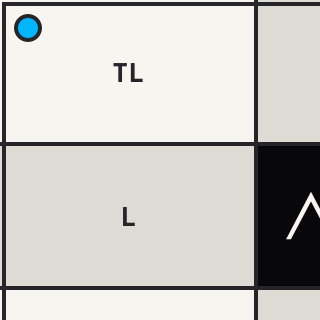 |
<?php

use Alto\Image\Anchor;
use Alto\Image\Image;

Image::open('source-landscape.png')
    ->crop(320, 320)
    ->save('crop-center.png');

Image::open('source-landscape.png')
    ->crop(320, 320, gravity: Anchor::TopLeft)
    ->save('crop-top-left.png');
Options
| Option | Default | Use |
|---|---|---|
width, height |
required | Crop size |
gravity |
Anchor::Center |
Crop placement |
x, y |
null |
Explicit top-left position |
gravity accepts an Anchor, Focus, or FocalPoint.
Edge cases
- A crop larger than the source is clamped to the source size.
- A different crop ratio removes pixels; it never stretches them.
- Explicit
xandyvalues are clamped inside the source. - Pass both coordinates or neither. Coordinates and gravity are mutually exclusive.
An oversized 1200 x 900 crop returns the complete 768 x 432 source:
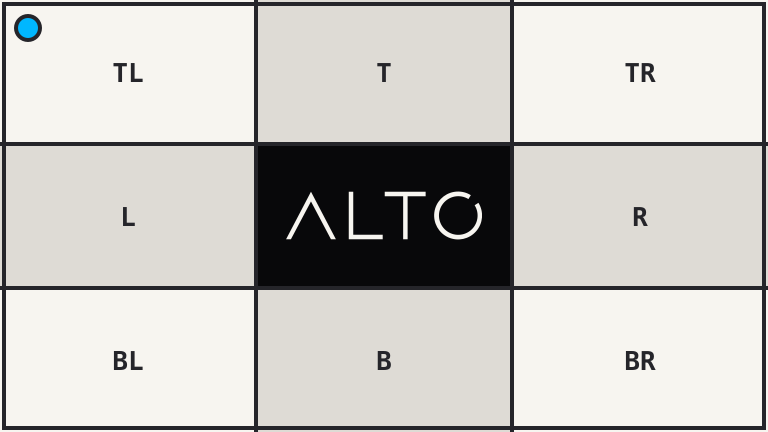
<?php

use Alto\Image\Image;

Image::open('source-landscape.png')
    ->crop(1200, 900)
    ->save('crop-oversize.png');
Driver support
GD and Imagick support crop() exactly.