Trim
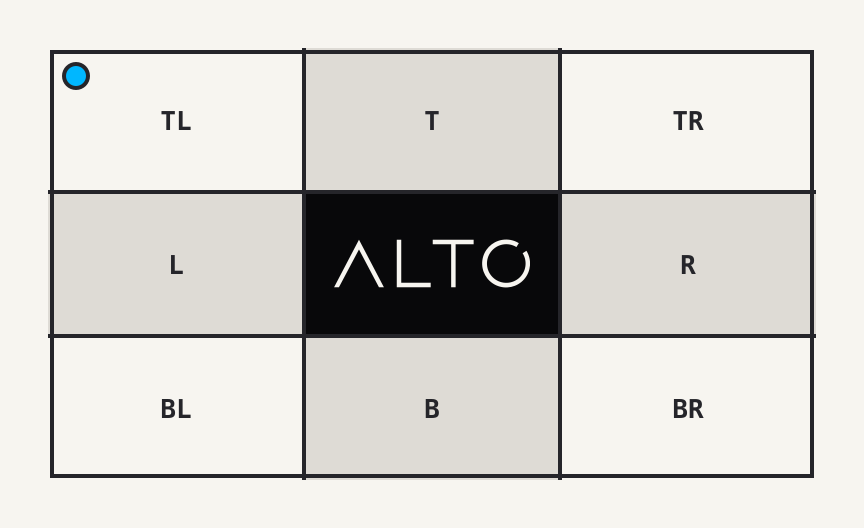
trim() removes a uniform border from an image.
Example
| Source: 864 x 528 | Result: 768 x 432 |
|---|---|
 |
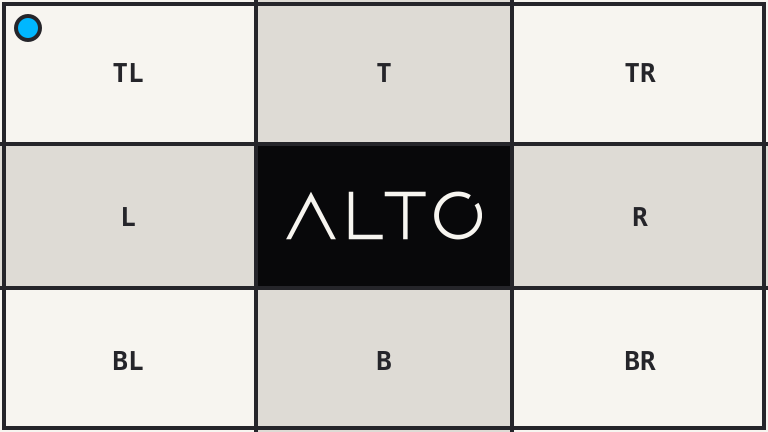 |
<?php

use Alto\Image\Image;

Image::open('source-trim.png')
    ->trim(background: '#f7f5f0')
    ->save('trim.png');
Options
| Option | Default | Use |
|---|---|---|
threshold |
10 |
Per-channel colour tolerance, from 0 to 255 |
background |
corner pixel | Colour to remove |
Edge cases
- A zero threshold requires an exact colour match.
- A high threshold can remove content close to the border colour.
- The final size depends on pixels. Before rendering,
size()returns the source upper bound. - An image without a matching border is unchanged.
Driver support
GD and Imagick support trim() exactly.